webclipper / web-clipper
For Notion,OneNote,Bear,Yuque,Joplin。Clip anything to anywhere
AI Architecture Analysis
This repository is indexed by RepoMind. By analyzing webclipper/web-clipper in our AI interface, you can instantly generate complete architecture diagrams, visualize control flows, and perform automated security audits across the entire codebase.
Our Agentic Context Augmented Generation (Agentic CAG) engine loads full source files into context on-demand, avoiding the fragmentation of traditional RAG systems. Ask questions about the architecture, dependencies, or specific features to see it in action.
Embed this Badge
Showcase RepoMind's analysis directly in your repository's README.

Repository Summary (README)
PreviewWeb Clipper



You can use Web Clipper to save anything on the web to anywhere.
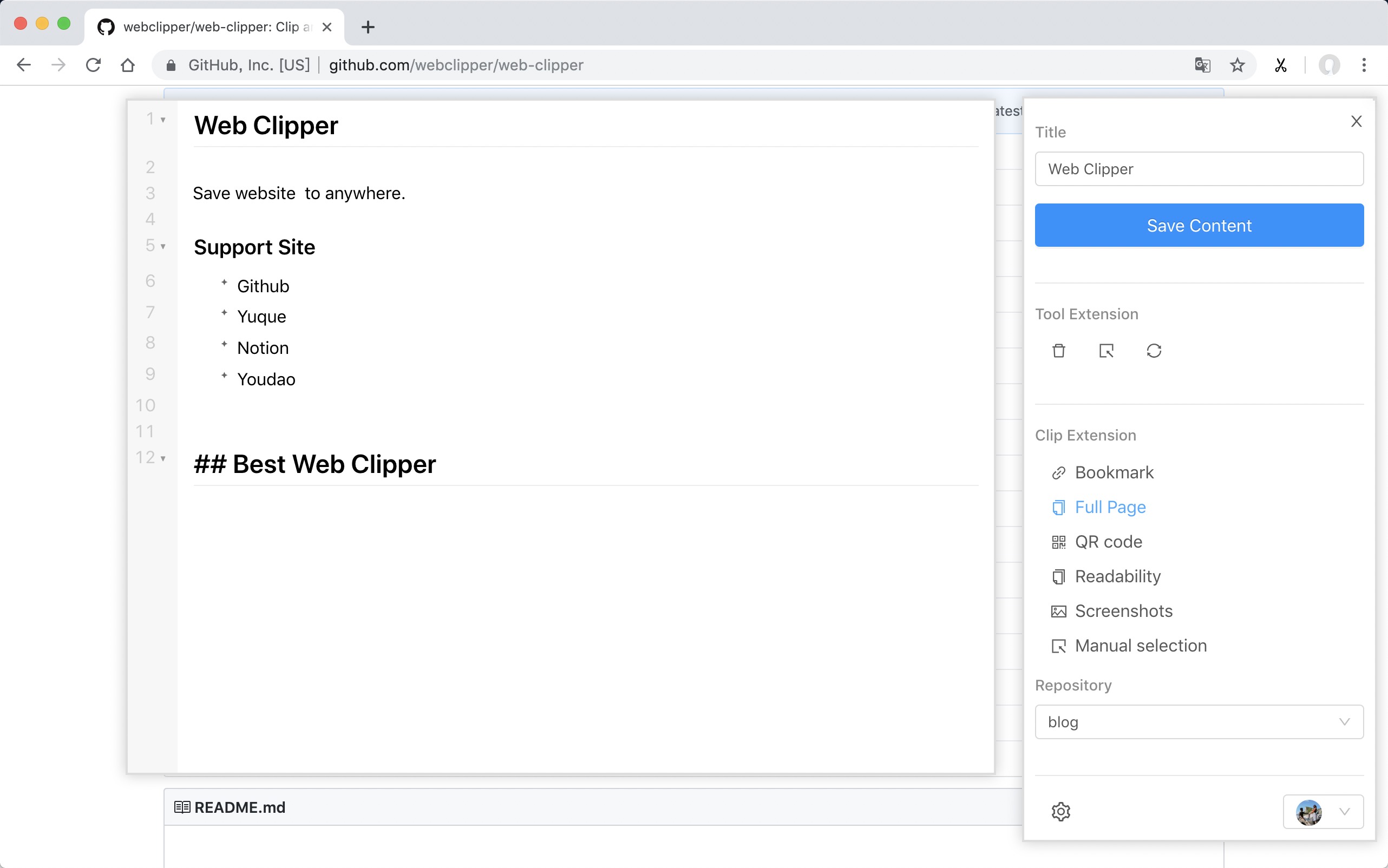
Support Site
- FlowUs
- Obsidian
- Github
- Yuque
- Buildin.AI
- Notion
- Youdao
- OneNote
- Bear
- Joplin
- Server Chan
- dida365
- baklib
- wolai
- Leanote
- Flomo
- Siyuan
- Ulysses
- Confluence
Install
ps: Because the review takes a week, the version will fall behind.
From Github
- Download the webclipper.zip from release page
- Go to chrome://extensions/ and check the box for Developer mode in the top right.
- Locate the ZIP file on your computer and unzip it.
- Go back to the chrome://extensions/ page and click the Load unpacked extension button and select the unzipped folder for your extension to install it.
Develop
$ git clone https://github.com/webclipper/web-clipper.git
$ cd web-clipper
$ npm i
$ npm run dev
-
You should load the 'dist/chrome' folder in Chrome.
-
You should load the 'dist/manifest.json' folder in Firefox.
Test
$ npm run test
Feedback
| Type | Link |
|---|---|
| Telegram | Link |